
Exceptional Health Care
#1 in California and Los Angeles*
“Best Hospitals” National Honor Roll
34 consecutive years
*Tied for #1 ranking
Your best care is closer than you think.
More than 280 locations across Southern California,
from the Central Coast to the South Bay.
Primary Care
Looking for a primary physician for yourself or your family? Start here.
Immediate Care
If you are ill or injured and need immediate medical attention.
All Locations
Search for specialty care, clinics and services across Southern California.
Latest News


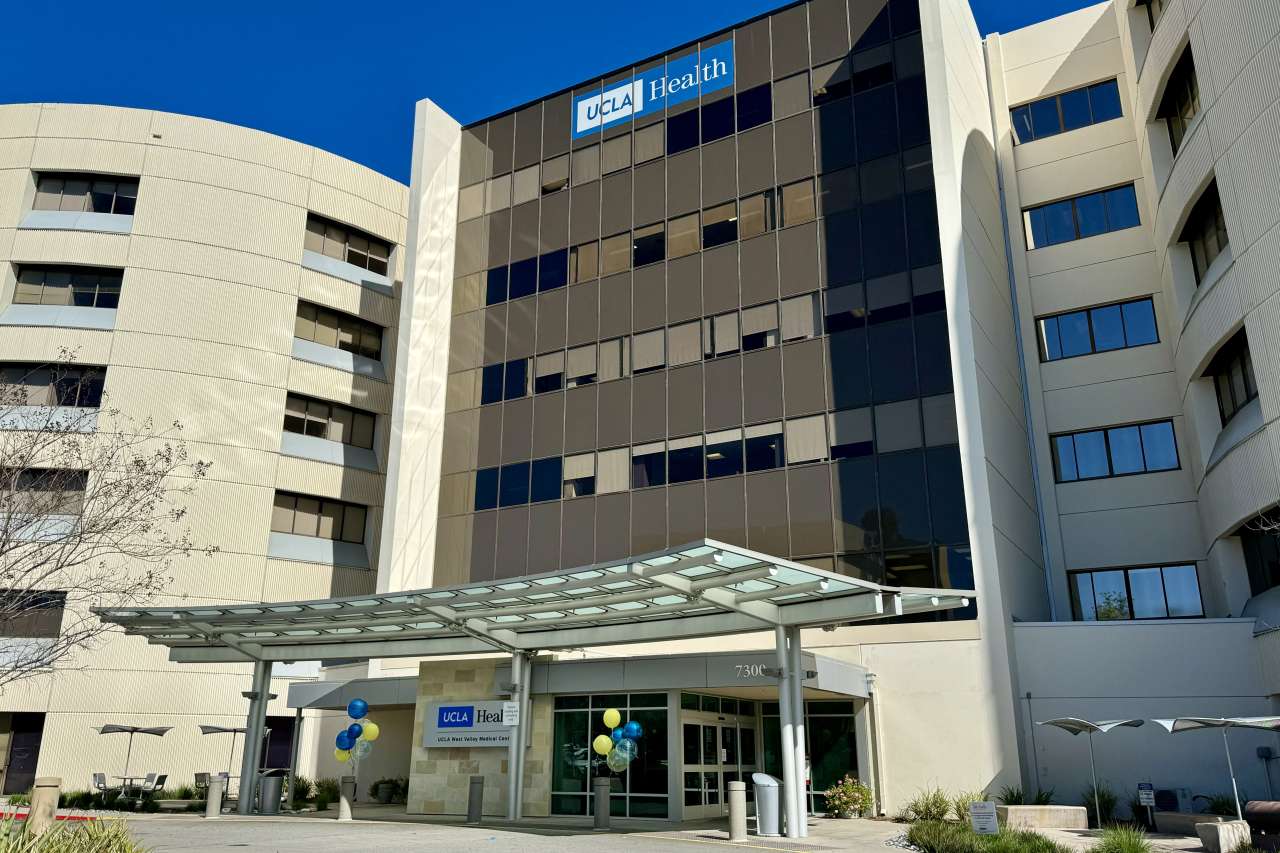
UCLA Health Aquires West Hills Hospital & Medical Center
We are pleased to announce that UCLA Health has acquired West Hills Hospital and Medical Center, which has been renamed UCLA West Valley Medical Center. Our new location offers San Fernando Valley residents convenient access to renowned, world-class care.
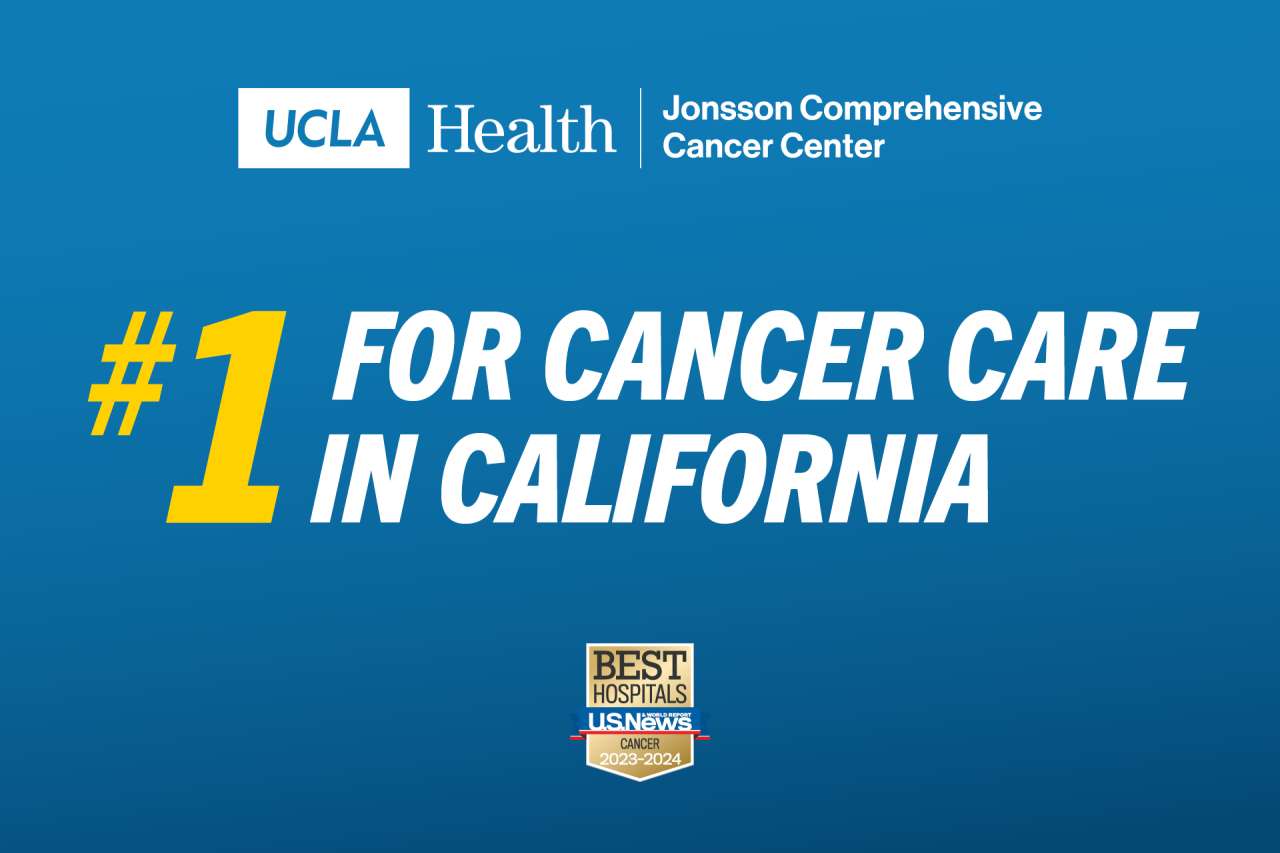
We’re #1 in California for Cancer Care
Patients who come to UCLA Health Jonsson Comprehensive Cancer Center benefit from the most advanced forms of cancer care available.
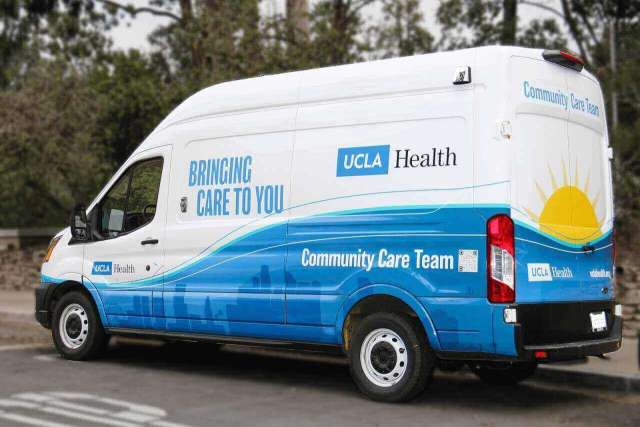
Homeless Healthcare Collaborative
The UCLA Health Homeless Healthcare Collaborative is a direct-in-community program to expand access to efficient, equitable and high-quality health care for people experiencing homelessness in Los Angeles.

What patients are saying
"UCLA Health's nurses and doctors are some of the most incredible people I have ever encountered. I've been here a number of times and always get the same amazing treatment. No better hospital in the area."
We believe in equity.
UCLA Health is focused on the promotion of equity and inclusion throughout our health care system. Find out the many ways we are accomplishing this.

Stay in touch
Subscribe to UCLA Health newsletters and publications for the latest developments.